
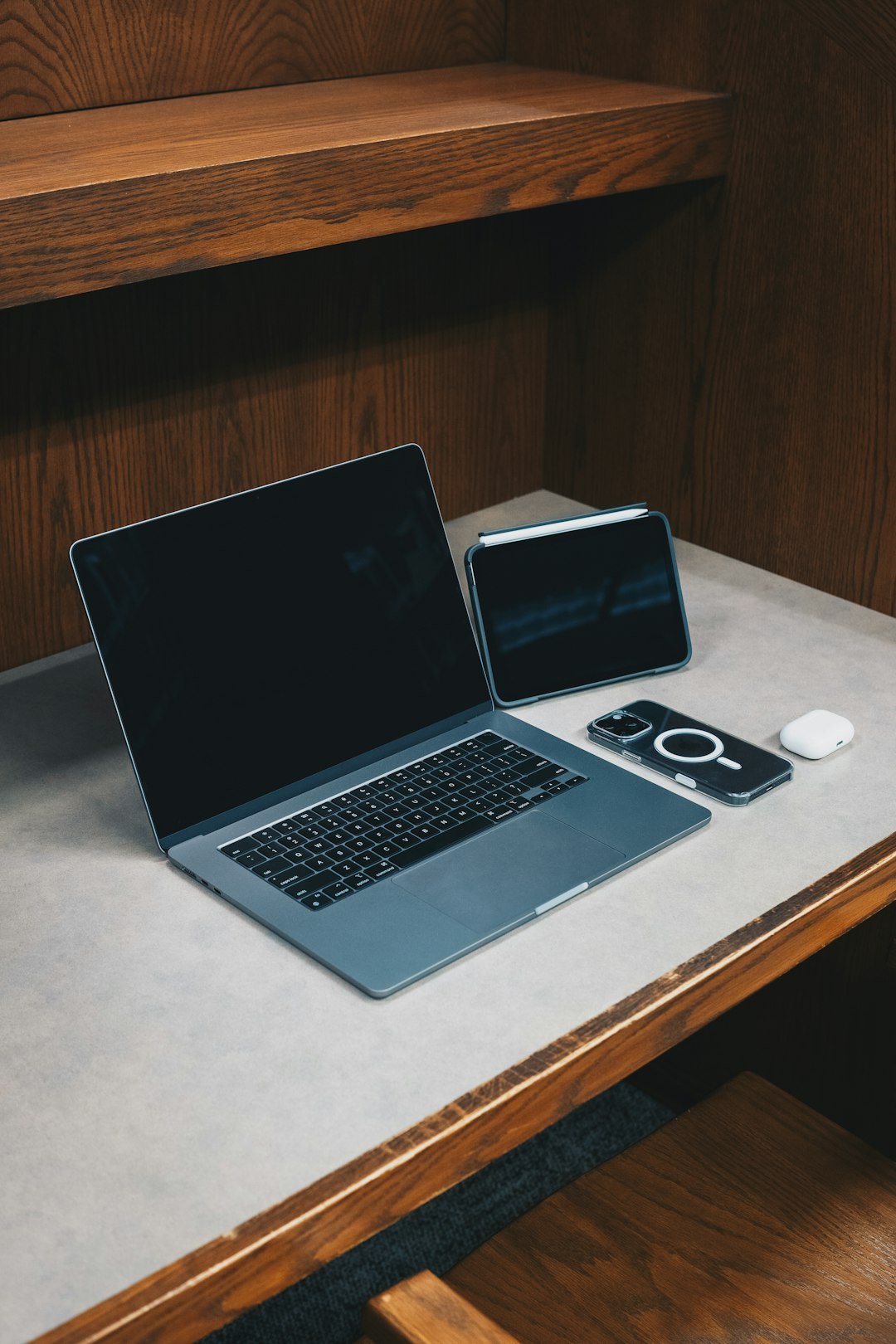
Packing electronics Augusta GA households rely on starts with a record of what works, a plan for private data and suitable protection for each device. A television, laptop, game console and home router have different preparation needs. This checklist helps you organize those details before a local household move with Packers and Movers Augusta. It covers preparation questions and practical steps, while each manufacturer’s handling instructions and the accepted moving scope determine what should actually happen to your equipment.
For an Augusta apartment, a Martinez household or an Evans home office, start at the device rather than at the truck. Record cables, identify delicate components and decide which personal devices will stay with you. A short drive does not remove the need for secure packing. If the move involves stairs, restricted parking, an elevator reservation or multiple delivery stops, tell the company before the appointment. Route length alone does not describe the handling work.
Ten practical electronics packing tips
1. List devices and their accessories
Make a room-by-room inventory of televisions, monitors, computers, speakers, consoles, printers and networking equipment. Note the accessories that belong with each item. Record existing damage and useful identifying details privately; do not place passwords or full serial-number lists on visible carton labels. An inventory helps you compare the accepted moving scope with what is actually ready for loading. It also shows which items require a separate packing discussion.
2. Back up important information
Use your established backup process before disconnecting computers or storage devices. Check that the backup is accessible, and keep account recovery details under your control. A moving service should not need your passwords to carry packed equipment. For work devices, ask your employer or IT provider about handling requirements. Decide which data-bearing devices you will carry personally and mark them clearly on your private inventory.
3. Photograph cable connections
Take clear pictures of the back of each device before removing cords. Include enough context to identify the correct unit later, while avoiding screens that display personal information. Label both ends of a cable with a simple device code. A photo can help with reconnection, but it does not replace the manufacturer’s instructions or an IT professional when a system needs configuration.
4. Power down according to the manual
Finish updates and shut down devices using their normal controls before unplugging them. Allow equipment to cool where the manufacturer requires it. Remove discs and loose removable accessories when instructed. Do not guess at procedures for a printer, battery pack or specialty device. If a manual gives transport-lock, ink or component-removal instructions, discuss those steps with the appropriate technician before packing day.
5. Find suitable boxes and inserts
Original packaging with intact fitted inserts can be useful when it matches the equipment and remains sound. Otherwise, ask what purpose-made carton and cushioning arrangement is appropriate. A large box filled with loose household items is not a substitute for fitted protection. Confirm whether the customer or moving company supplies the materials, who packs the device and how that task appears in the accepted estimate.
6. Protect screens without pressure
Follow the equipment manufacturer’s guidance for screen protection and transport orientation. Do not tape directly to a display or place hard objects against it. Keep detachable stands and fasteners organized after approved removal. Large screens may need specialized packaging and additional handling arrangements. Send dimensions and access photos before moving day so the company can discuss preparation rather than discovering a size problem at the doorway.
7. Keep cables with the correct device
Place approved disconnected cords, remotes and small accessories in labeled bags or suitable containers. Keep them protected from sharp fittings and separate from delicate surfaces. Use the same device code on the accessory package and main carton. Avoid overloading the main box just to keep everything together. A clearly matched accessories carton can be easier to handle than a tightly crowded equipment package.
8. Separate items you will carry
Choose a personal essentials group: necessary chargers, a phone, essential laptop, important storage and other items you need immediately. Keep that group away from the loading area and tell the crew lead which items are excluded. Do not assume a carton labeled important will stay accessible inside a loaded truck. Keep medicines, keys and personal documents with your separate essentials as well.
9. Plan Augusta pickup and delivery access
Provide the actual addresses, stairs, elevator rules, loading location and permitted appointment window. A downtown Augusta building can have a different loading arrangement from a suburban home in Evans or Martinez. Ask the property manager about reservations and access instructions. Confirm the destination room for large screens and desks, and report tight turns or heavy equipment before the accepted scope is finalized.
10. Reconcile and reconnect carefully
At delivery, check the labeled inventory and record visible concerns through the company’s agreed process. Keep packaging until you finish the appropriate checks. Follow manufacturer guidance before powering equipment on, especially after significant temperature changes. Reconnection and network setup should be assigned explicitly; household moving does not automatically include those services. Let the responsible technician handle unfamiliar systems rather than experimenting with connections.
A useful Augusta home-office example
Imagine moving a desk setup from an Augusta apartment into an Evans house. The monitor, laptop dock, router and printer may each need their own preparation. A simple code such as OFFICE-01 can connect the monitor carton with its stand, power supply and destination room. Keep the laptop and private backup with you if that is your chosen arrangement. Send photos of the equipment and both access routes before asking for a packing quote.
At the destination, place cartons in the intended room and compare them with the inventory before discarding labels. Confirm which tasks belong to the moving crew and which belong to you or an IT provider. If internet installation has a separate appointment, keep its timing separate from the moving appointment. Furniture and equipment delivery does not guarantee that internet service will be operational that day.
What to include in your packing request
Tell Packers and Movers Augusta the number of devices, screen dimensions, available original cartons and any requested disassembly. Explain whether wall-mounted equipment needs a separate installer. Provide stairs, building restrictions and the requested delivery rooms. Ask for the packing materials, labor, exclusions and accepted services in writing. For general room preparation, see our Augusta home packing guide. For the rest of the household, use our local moving planning page.
Frequently asked questions
Do movers need my computer passwords?
Packing and transporting equipment should not require your account credentials. Keep passwords and recovery information private; assign technical work to an appropriate provider.
Should I use the original television box?
An intact original box with the correct inserts may be suitable. Confirm its condition and ask about the appropriate protection for your exact model.
Can I pack a screen with clothes?
Do not assume clothing provides adequate fitted protection. Follow manufacturer instructions and ask what carton and cushioning arrangement fits the screen.
Who removes a wall-mounted television?
Confirm the accepted scope before the appointment. Wall removal, electrical work and installation may require a separate qualified provider.
Can all electronics travel in one carton?
A single crowded box can put pressure on delicate components. Separate devices and accessories according to suitable packing instructions and manageable carton weights.
Should I carry my backup drive?
Decide this using your own data-security needs. Keep any personally transported equipment separate from the agreed loading inventory.
What information should I send for an estimate?
Send the device inventory, screen sizes, packing requirements and origin and destination access details. Explain unusual weight or handling requirements in advance.
Does local moving include computer setup?
Do not assume it does. Ask for any requested reconnection service explicitly and confirm who is responsible for network configuration.
Can I leave equipment in a hot parked car?
Follow manufacturer storage and temperature guidance. Plan personal transport so equipment is not left unattended in unsuitable conditions.
How do I request Augusta electronics packing help?
Call (954) 498-5899 or submit the online quote form with your inventory. Availability and accepted services must be confirmed before a booking is established.
Discuss your Augusta packing plan
For packing electronics Augusta GA move planning, contact Packers and Movers Augusta at (954) 498-5899 or use the moving quote request. Share your device inventory, requested packing work and access details so the company can discuss current availability and scope. Confirm the final arrangements in writing before moving day.